1
Add your activities
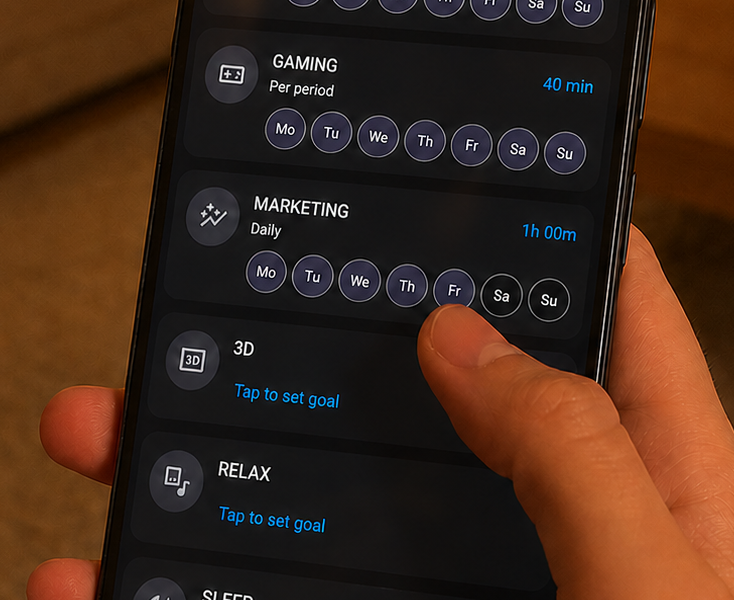
Pick what you want to track — work, breaks, chores, hobbies. Set icons and daily goals in the app so Tiho knows what you care about.
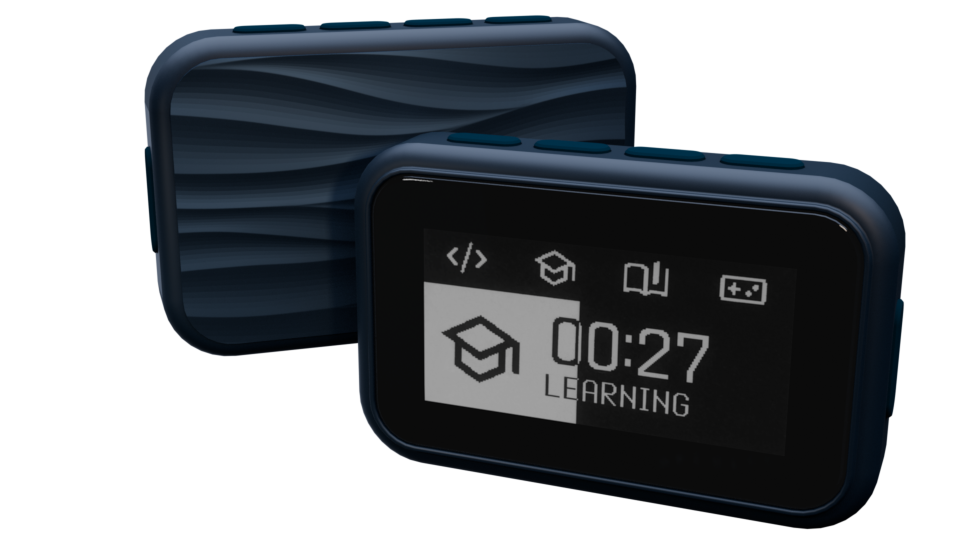
Tiho is a small physical device for capturing activities with one press — without background tracking, phone friction, or giving software deep access to your system.
Built for people who want a clearer picture of their day: work, breaks, chores, distractions, goals, and everything that usually gets lost between them.
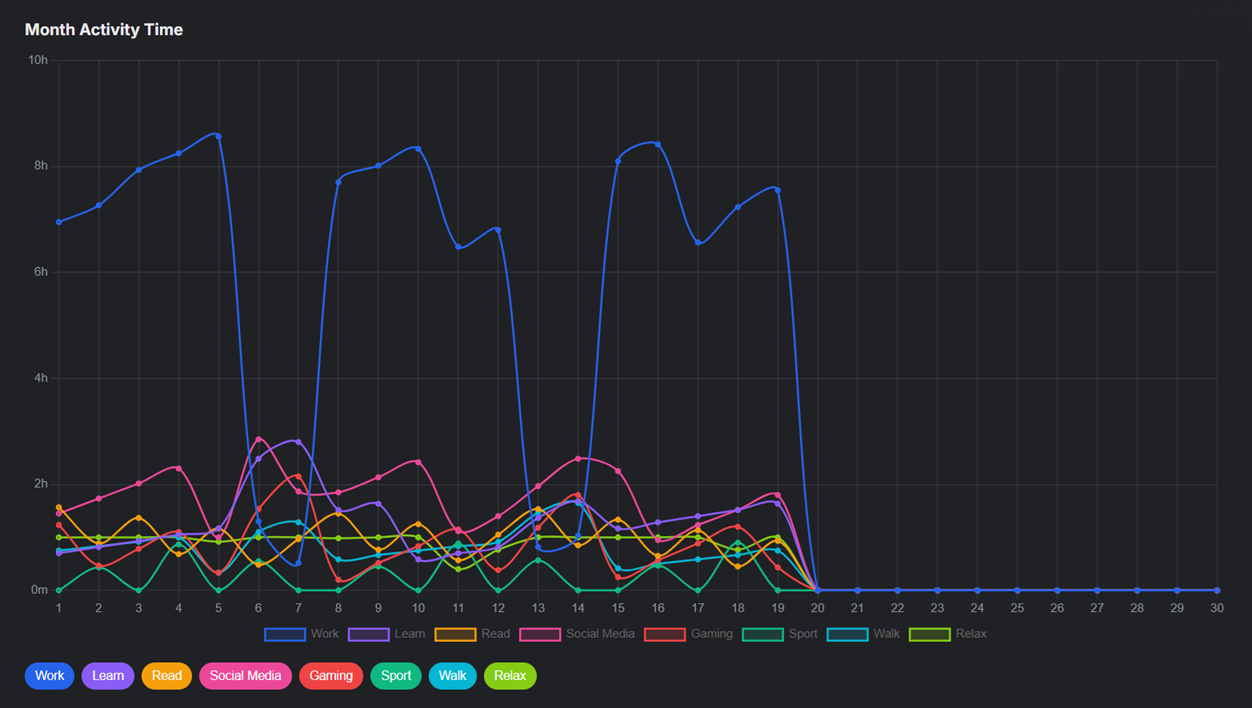
Not because nothing happened — but because transitions between activities are easy to miss.
They only see what happens on the computer, not the rest of the day.
Unlock, find the app, open it, start tracking — often enough to stop using it.
Productivity tools should not require broad access to your system just to understand your day.
No complicated setup — choose what matters, capture time as you go, and look back when you want the full picture.
Pick what you want to track — work, breaks, chores, hobbies. Set icons and daily goals in the app so Tiho knows what you care about.
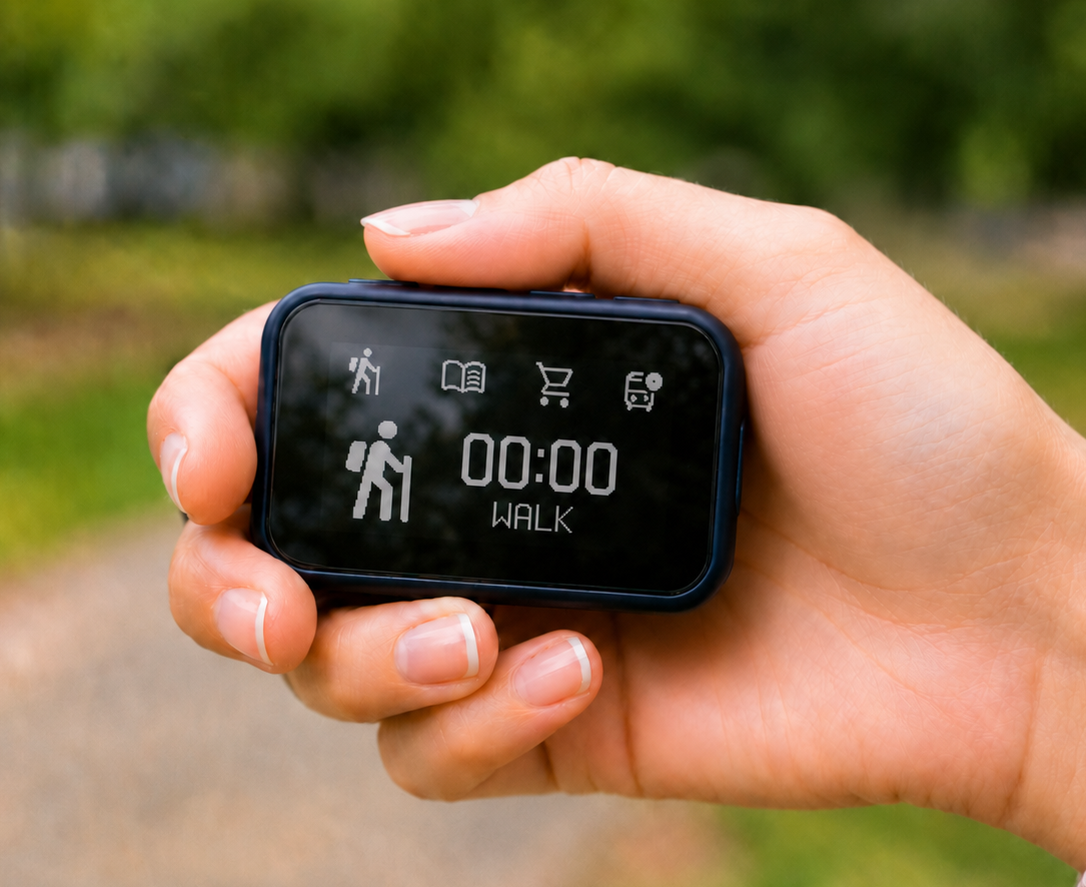
Change activity → press one button. Timing starts instantly, and the always-on e-ink display shows how much of the day you've spent and how goals are going.
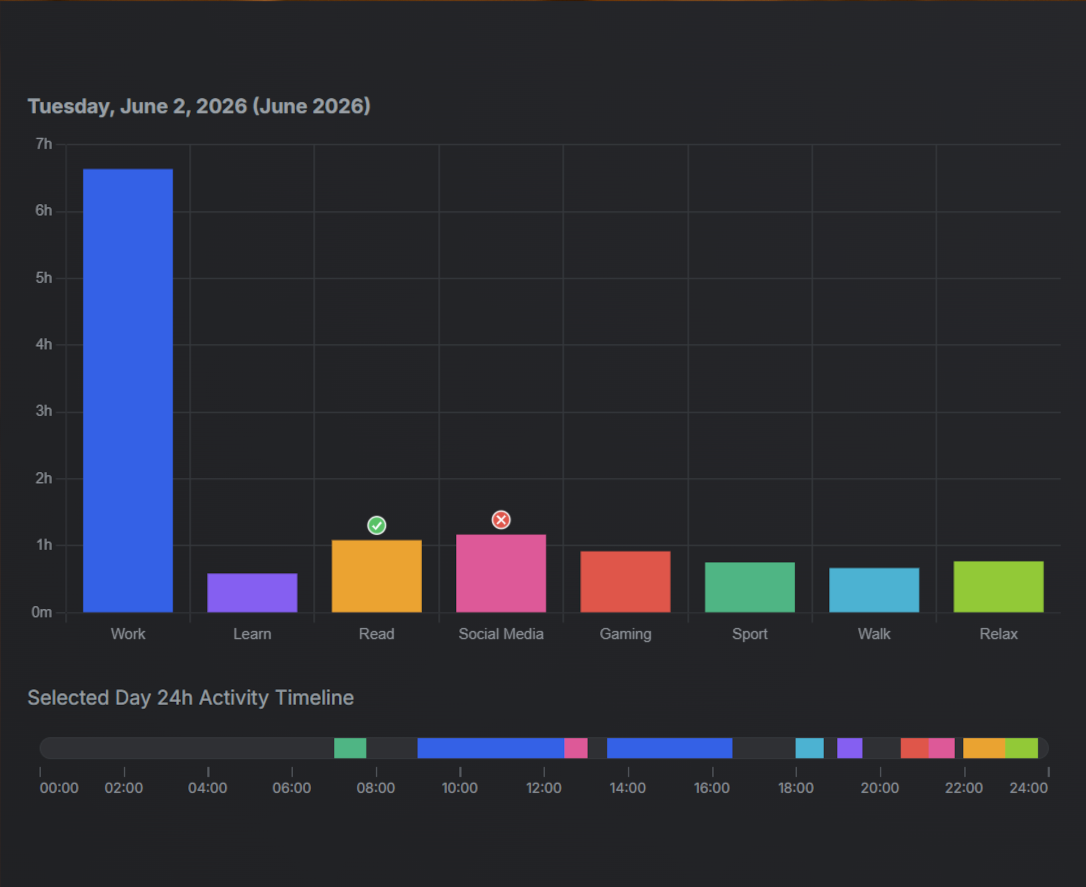
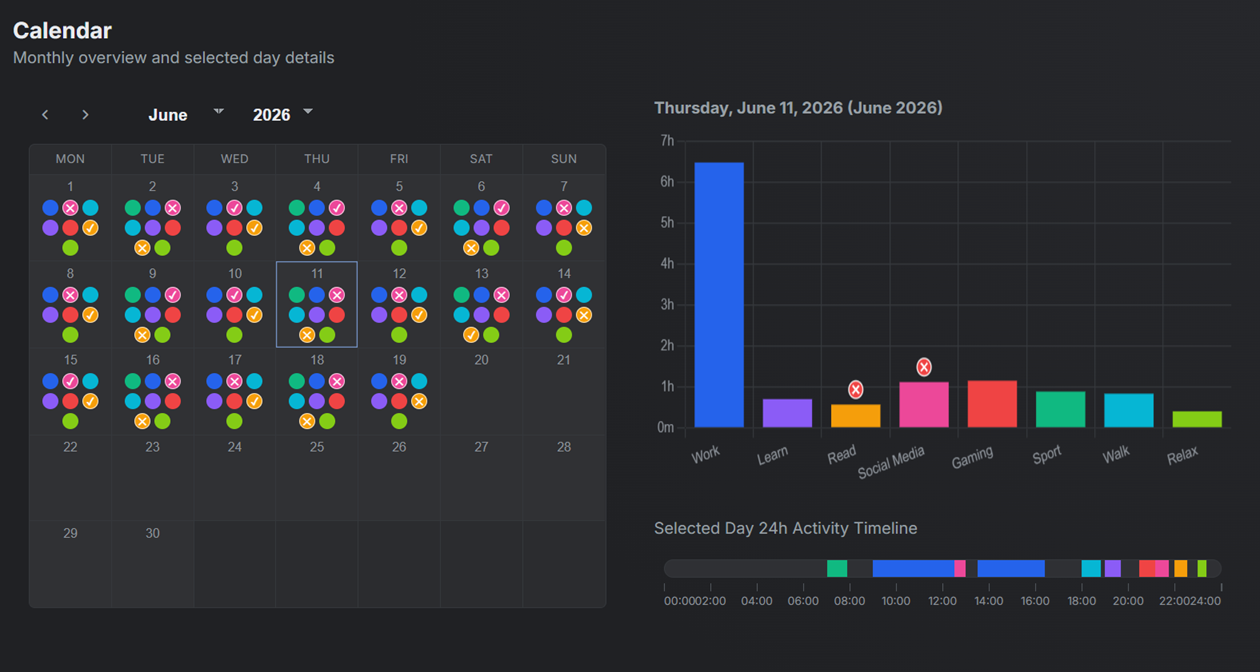
Glance at today's totals on the device or app, then dig deeper on the web — weekly patterns, calendar views, and gentle recommendations from your data.
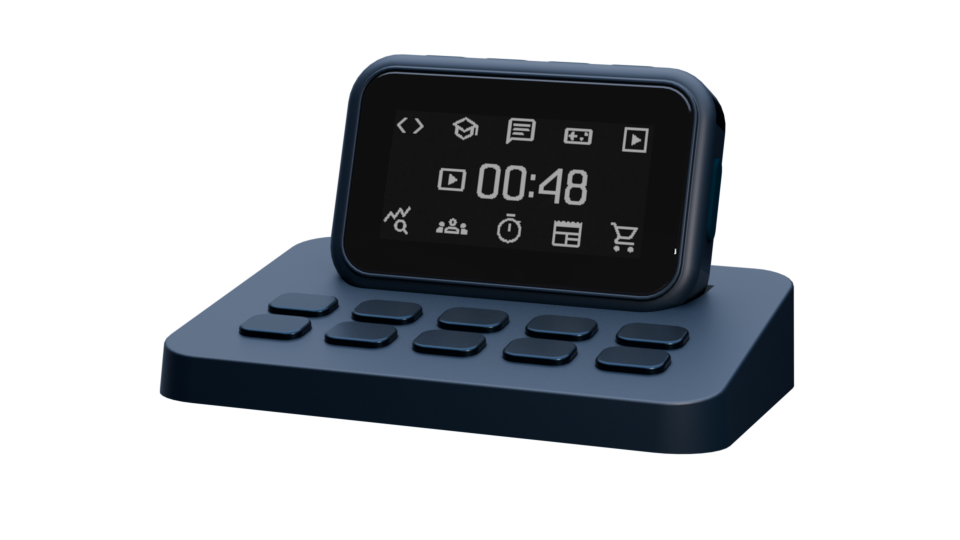
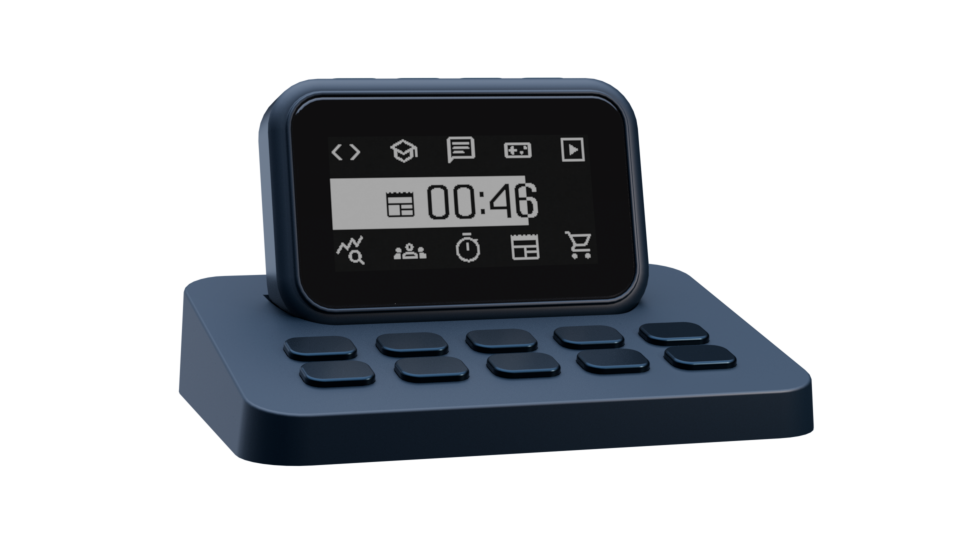
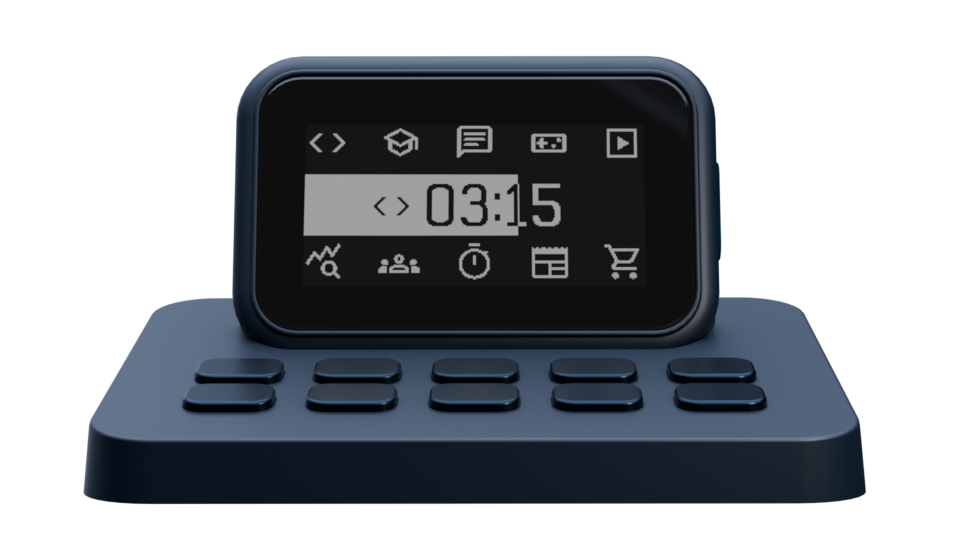
On the desk, Tiho can act as a quiet activity dashboard. Away from the desk, it remains a portable capture device.
Quick capture on the device, setup and stats in the app, and deeper analysis on the web.
Activities are grouped in sets of 4. The side button switches between sets. During tracking, the screen shows total time for the day or selected period, plus goal progress if set.
In the dock, the device switches from 4 activity icons to 10, mapped to dock buttons. The dock can also show passive information like time/date, weather, or upcoming calendar items.
Configure activities, choose icons, set goals, and view stats by activity and goal.
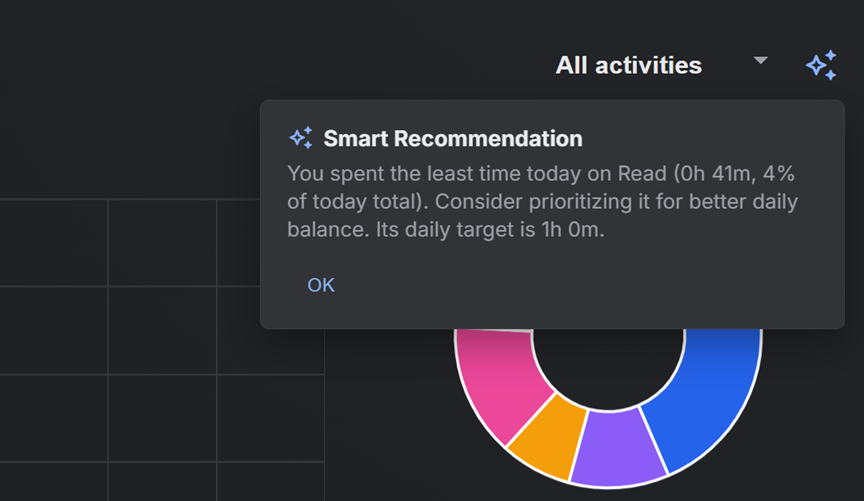
More detailed analytics and daily recommendations based on accumulated data.
See where time went, how goals performed, and what patterns appear over days and weeks.
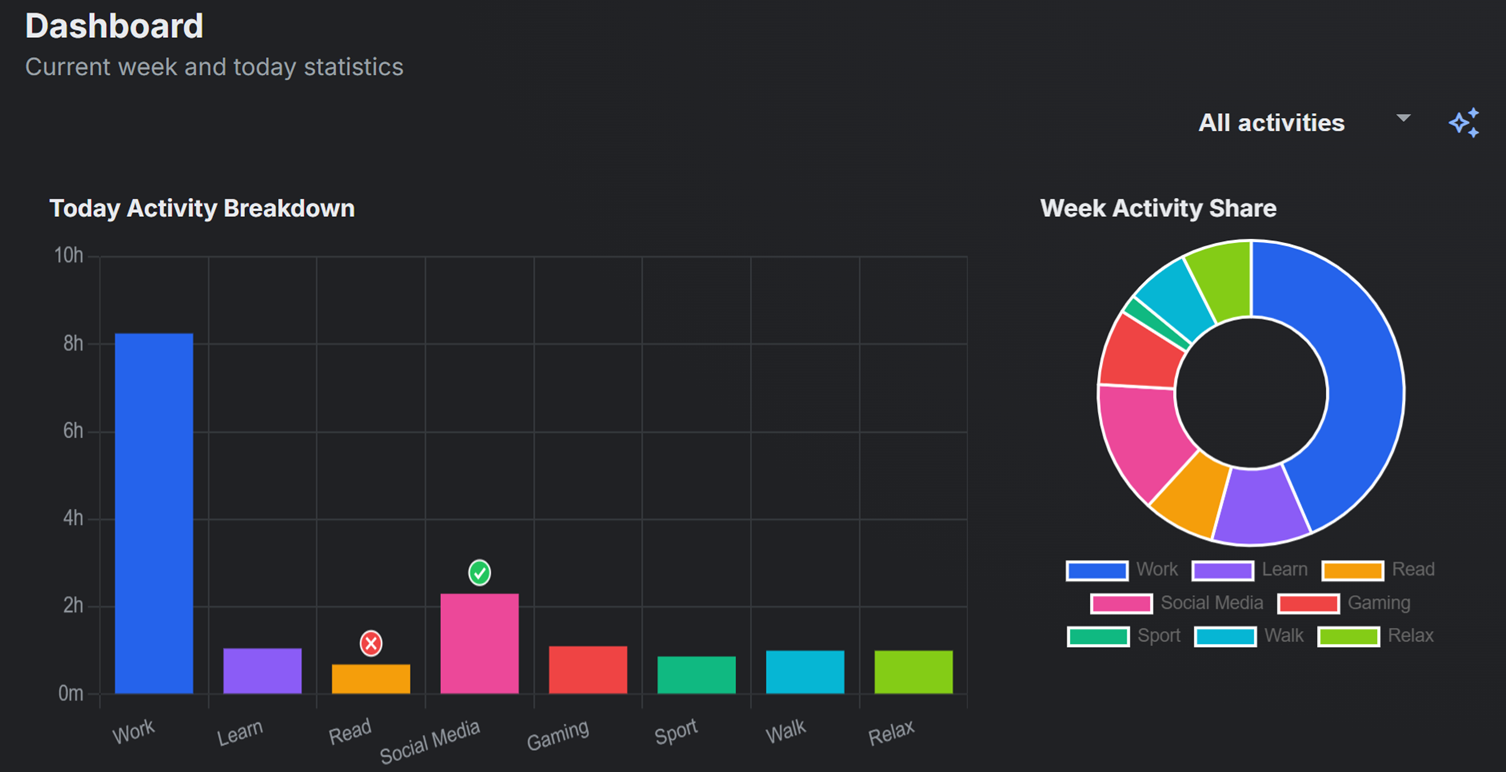
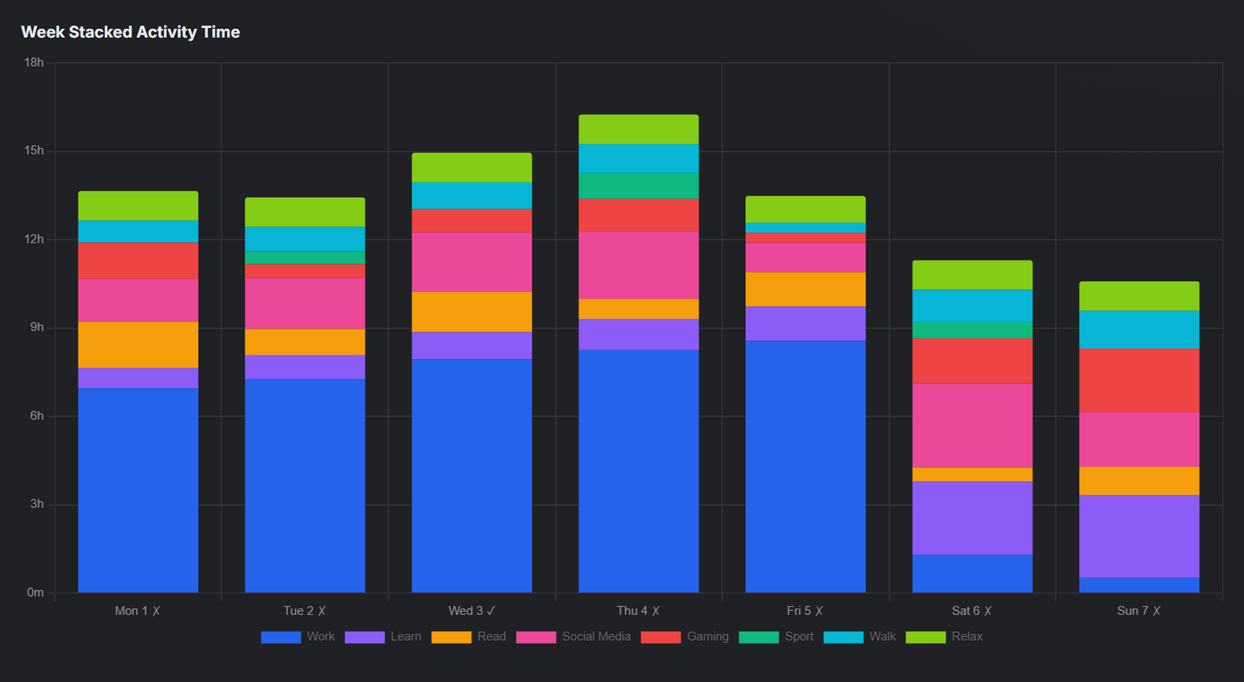
Tiho is designed around device-based authorization instead of personal identity first. The goal is to keep productivity insight useful without turning it into surveillance.
Authorization is planned around the device, not around collecting personal data by default.
Hide the current activity and show a neutral screen with time, weather, or a passive view.
Tiho does not need to watch every window, process, or website to work.
Prototype works.
Join the waitlist for prototype updates, design notes, and launch progress.